 AnimaSonus Labs
Candidate
On the wish list. Not started yet. Any practice review moves it to Learning.
Mobile app
Know what to practice next. The Home tab shows pieces that are due, coming up this week, or still waiting for a first review. Practice them, log memory and flow, and the app sets the next date.
Your pieces and practice history stay on your phone. There is no account, and the app does not upload your repertoire.
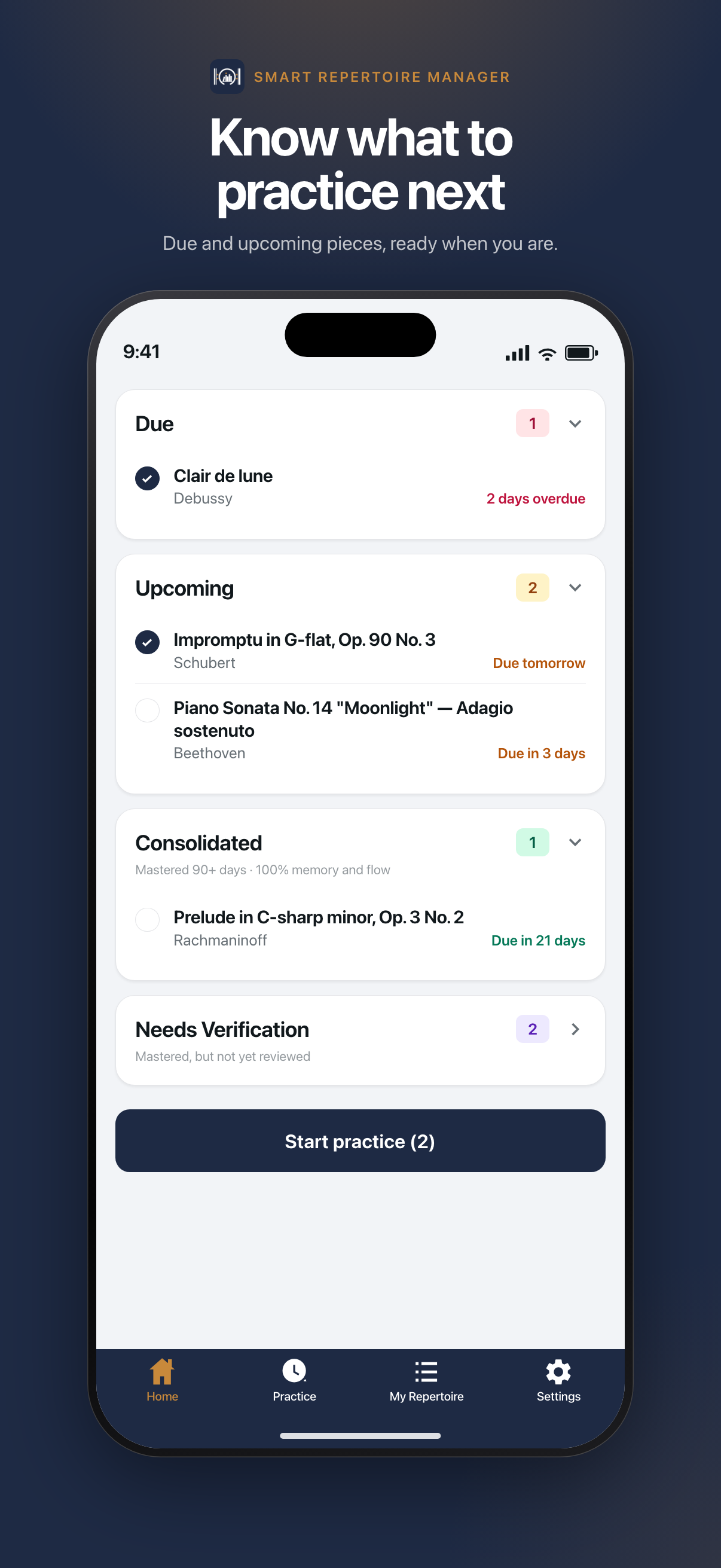
Current screens of Repertoire Manager. Store artwork also uses the name Smart Repertoire Manager. It is the same app.
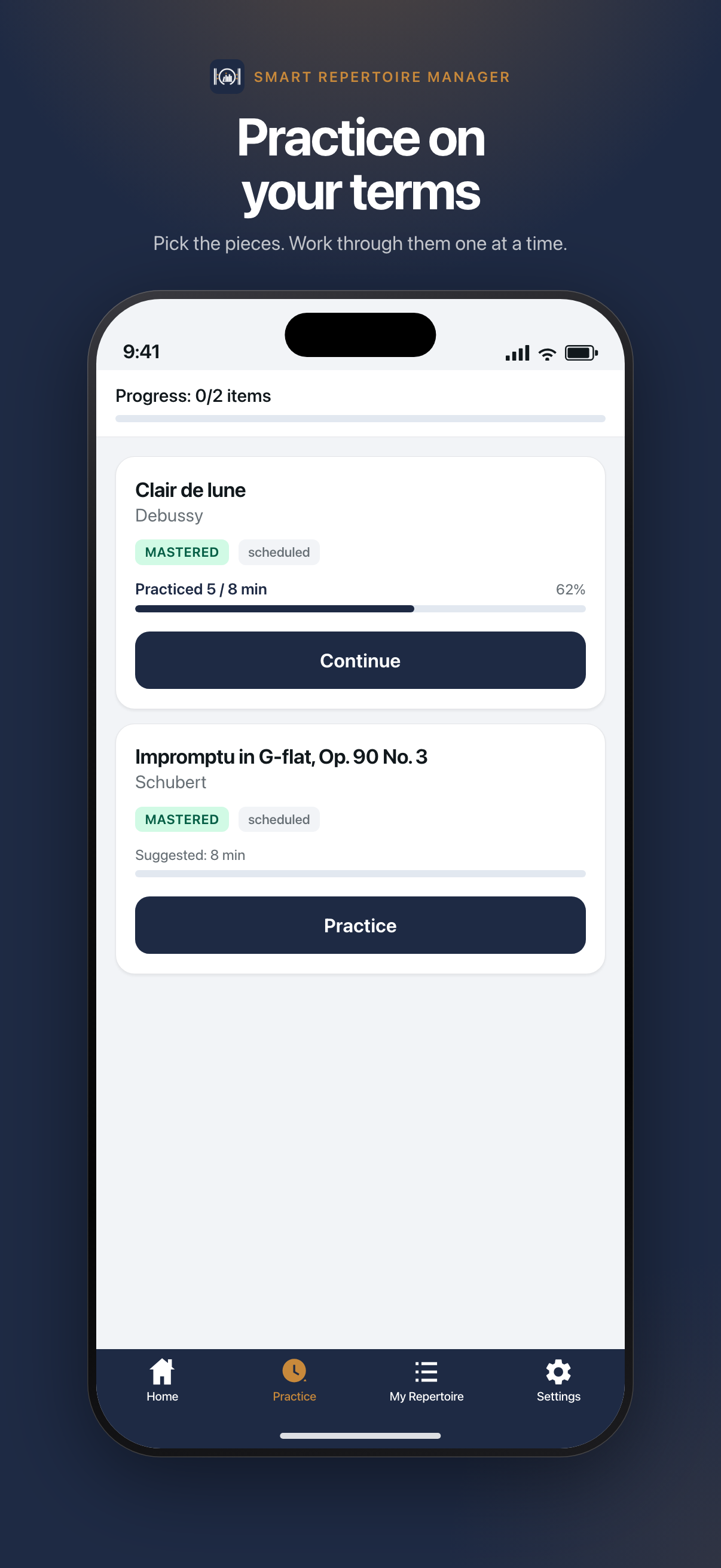
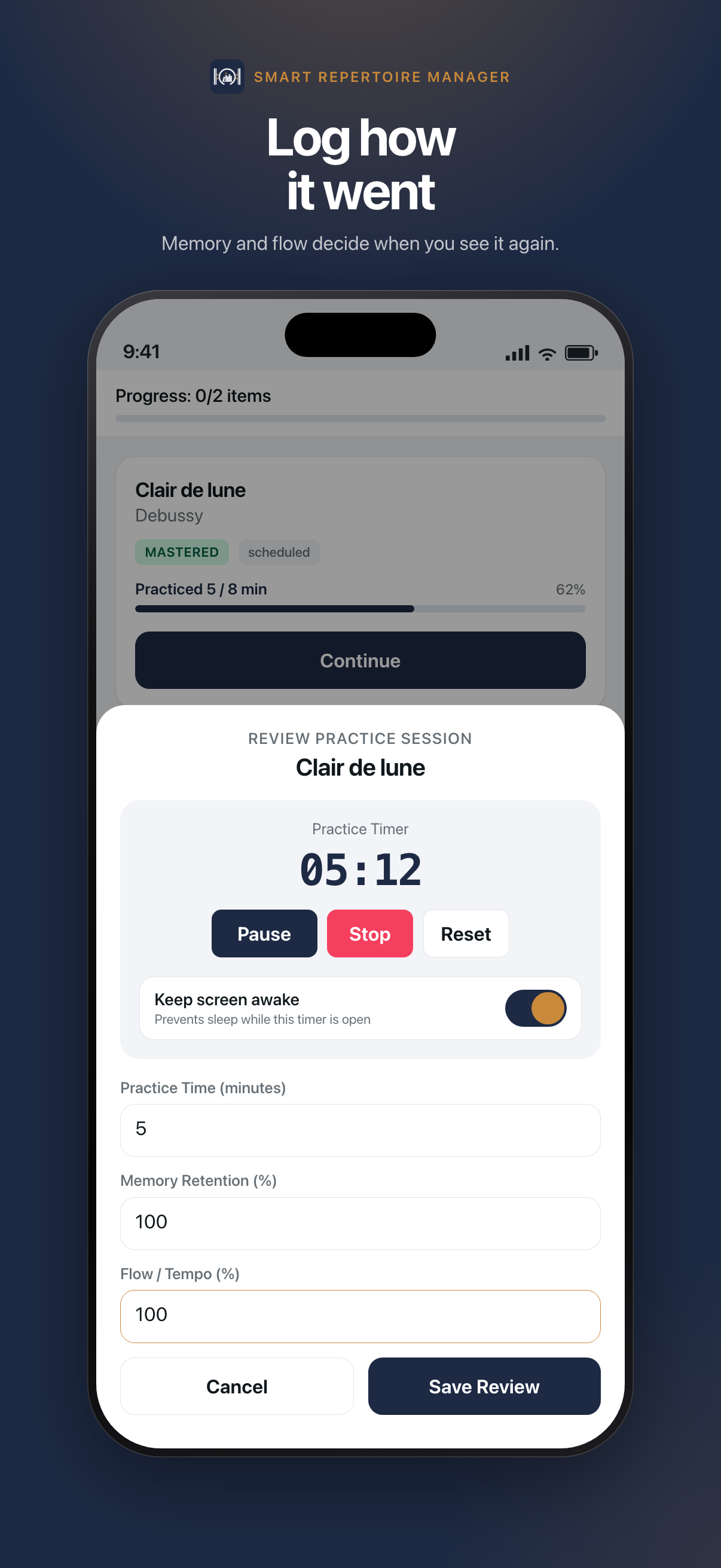
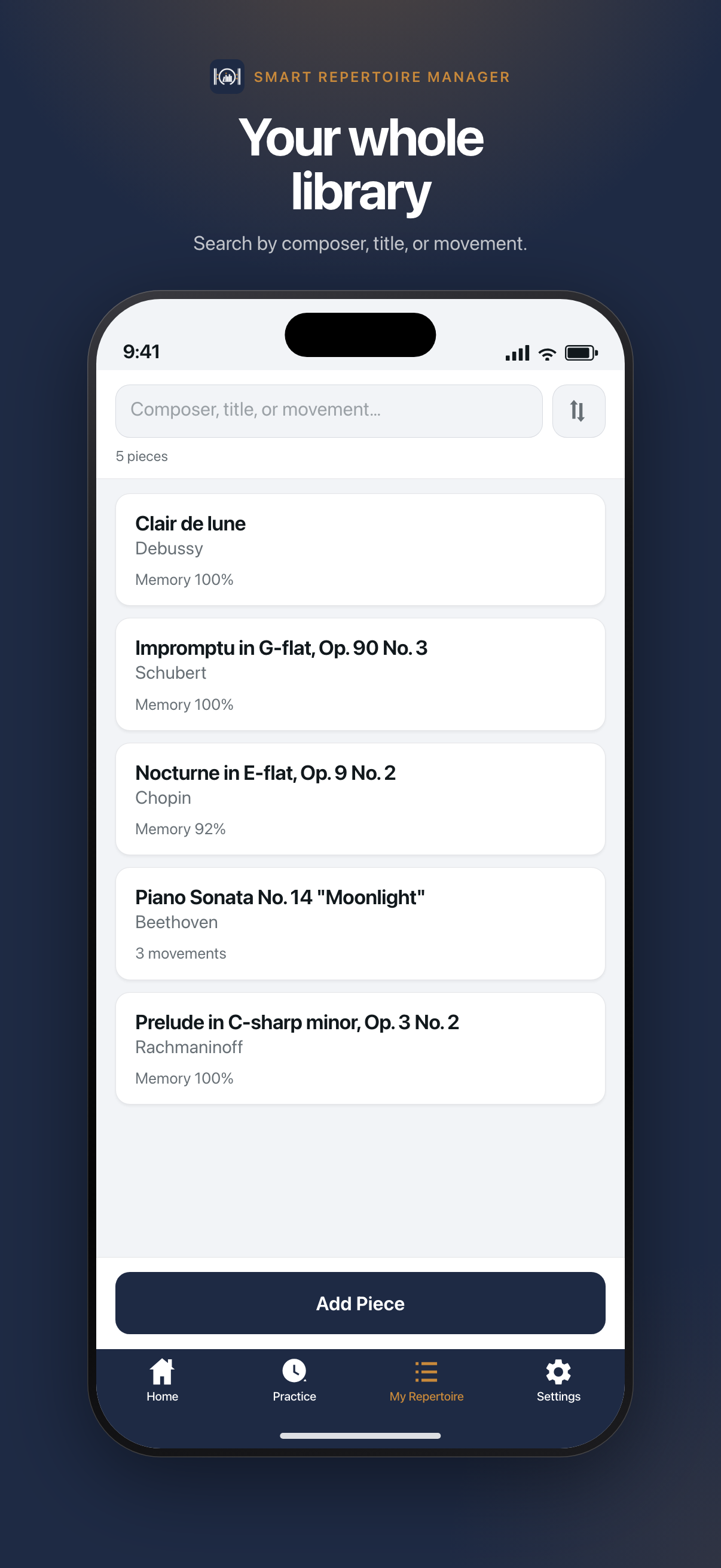
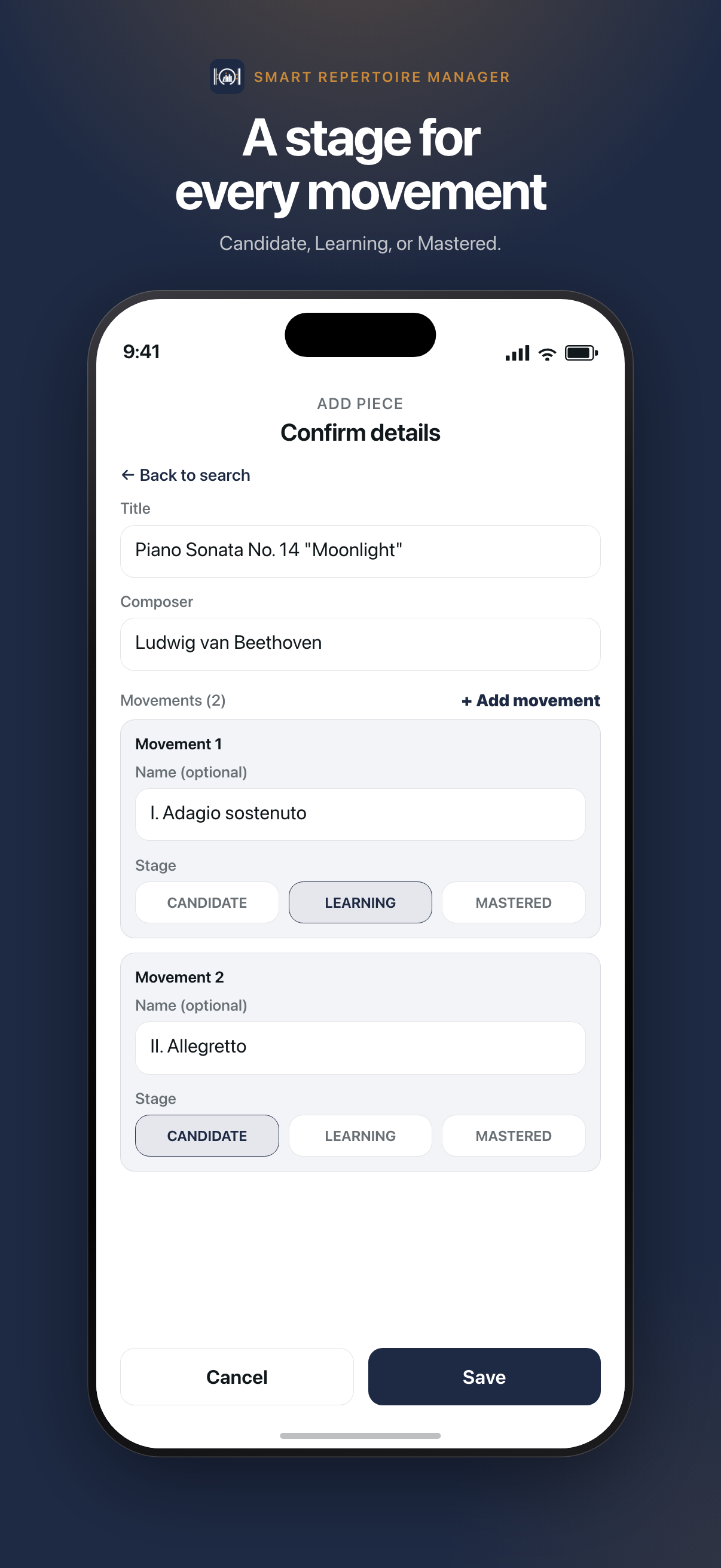
Each movement has a stage. Reviews move a piece forward and decide when it returns to the Home tab.
On the wish list. Not started yet. Any practice review moves it to Learning.
Still taking shape. Learning pieces stay off the Home lists. Practice them from the Practice tab. A review at 100% memory and 100% flow marks the piece Mastered.
Memorized and ready to perform. After a review, the app schedules the next one. Due means that date has passed. Upcoming means it falls today or within the next 7 days.
A piece you marked Mastered but have never reviewed. It is not scheduled until you practice it once and log how it went.
Mastered for 90 days or more, with the latest review at 100% memory and 100% flow. It still appears in Due or Upcoming when a review is on the way.
Search by composer, title, or movement. Add a piece, name its movements, and set a stage on each one. Sort the library from the list.
Open a Home section, tap the pieces you want, and start practice. Work through them one at a time, then save a review with practice time, memory, and flow.
Settings can export a JSON backup or import one you already saved. The file leaves the phone only if you share it yourself, through the system share sheet.
Questions go to support@animasonuslabs.com. The privacy policy explains what is stored and how to delete it.
No. Repertoire Manager does not ask you to sign in, and it does not have an account to create or delete.
On your phone, in the app’s local database. Piece names, notes, stages, and reviews are not sent to AnimaSonus Labs.
Open Settings, tap Export data, and save the JSON file somewhere you control. On the other phone, use Import data and choose that file. Import replaces the repertoire already on that device.
Delete the Repertoire Manager app. That removes the database from that phone. A backup you already saved stays until you delete that copy yourself.
Email support@animasonuslabs.com, or use the support page.